Supported Game
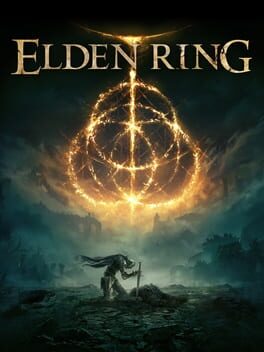
Elden Ring
- Status
- Autoclip supported
- Platforms
- PC · PlayStation · Xbox
- Genres
- Action · RPG
Elden Ring is extremely well suited to automatic highlight detection due to its large and high-contrast messages which fade in over the center of the screen when something noteworthy happens, including the iconic "YOU DIED".
How to find Elden Ring highlights using Hitscan Studio
- 1 Load your Elden Ring clips via the "Videos" panel on the left

- 2 Switch to the "Auto clip" tool
- 3 Hit "Select game" and search for "Elden Ring"
- 4 Add any of the event triggers described below
- 5 Press the green "Start processing" button
Autoclip trigger
LOST GRACE
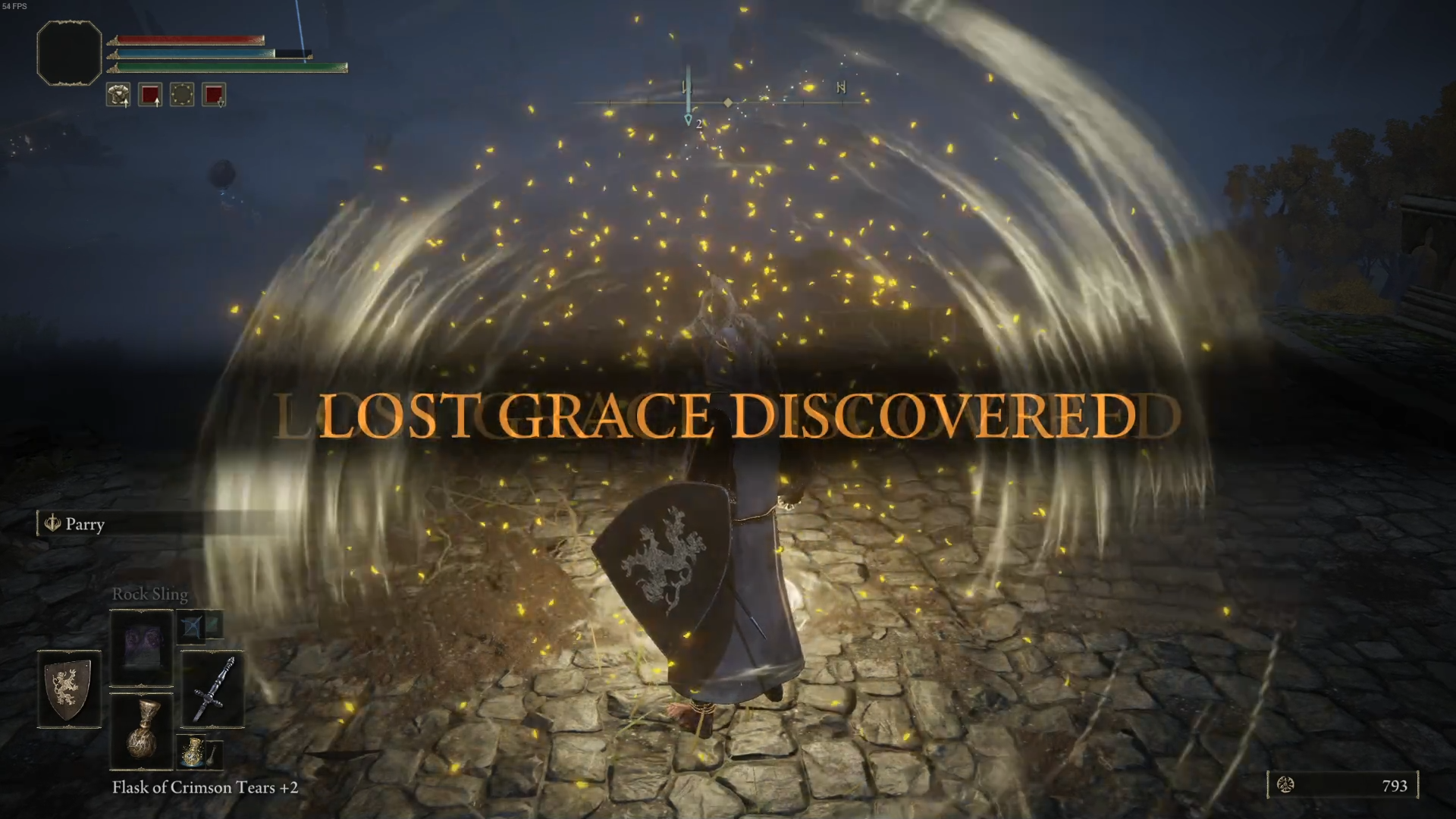
| Property | Value |
|---|---|
| Crop X | 19.5% |
| Crop Y | 44.3% |
| Crop Width | 60.7% |
| Crop Height | 12.5% |
| Marker color | #eab308 |
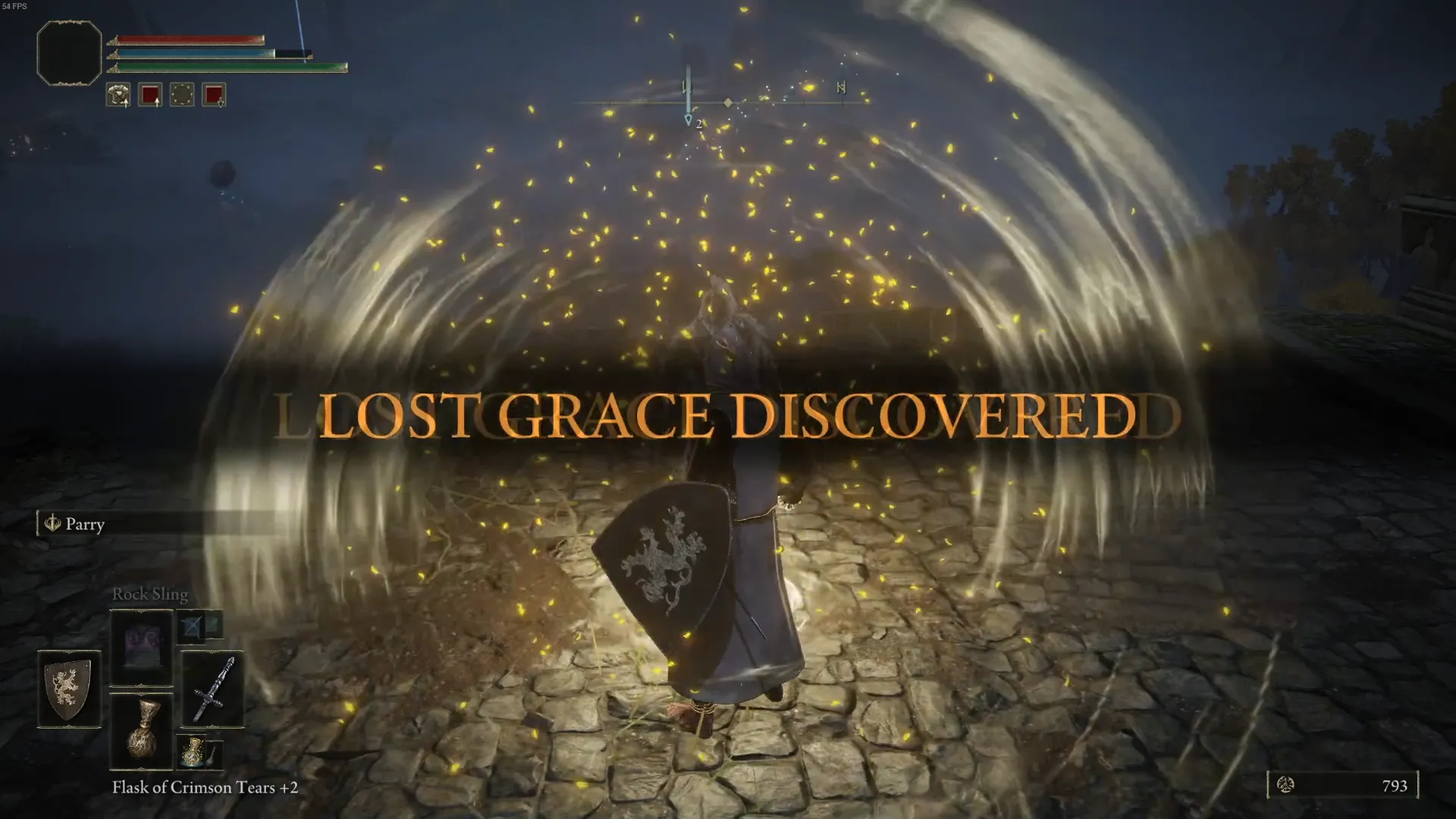
What Hitscan sees
If the input image on the left matches the text prompt on the right, a clip will be created.
Input image
Match criteria prompt
It says "LOST GRACE DISCOVERED" in all caps yellow or gold letters.
Autoclip trigger
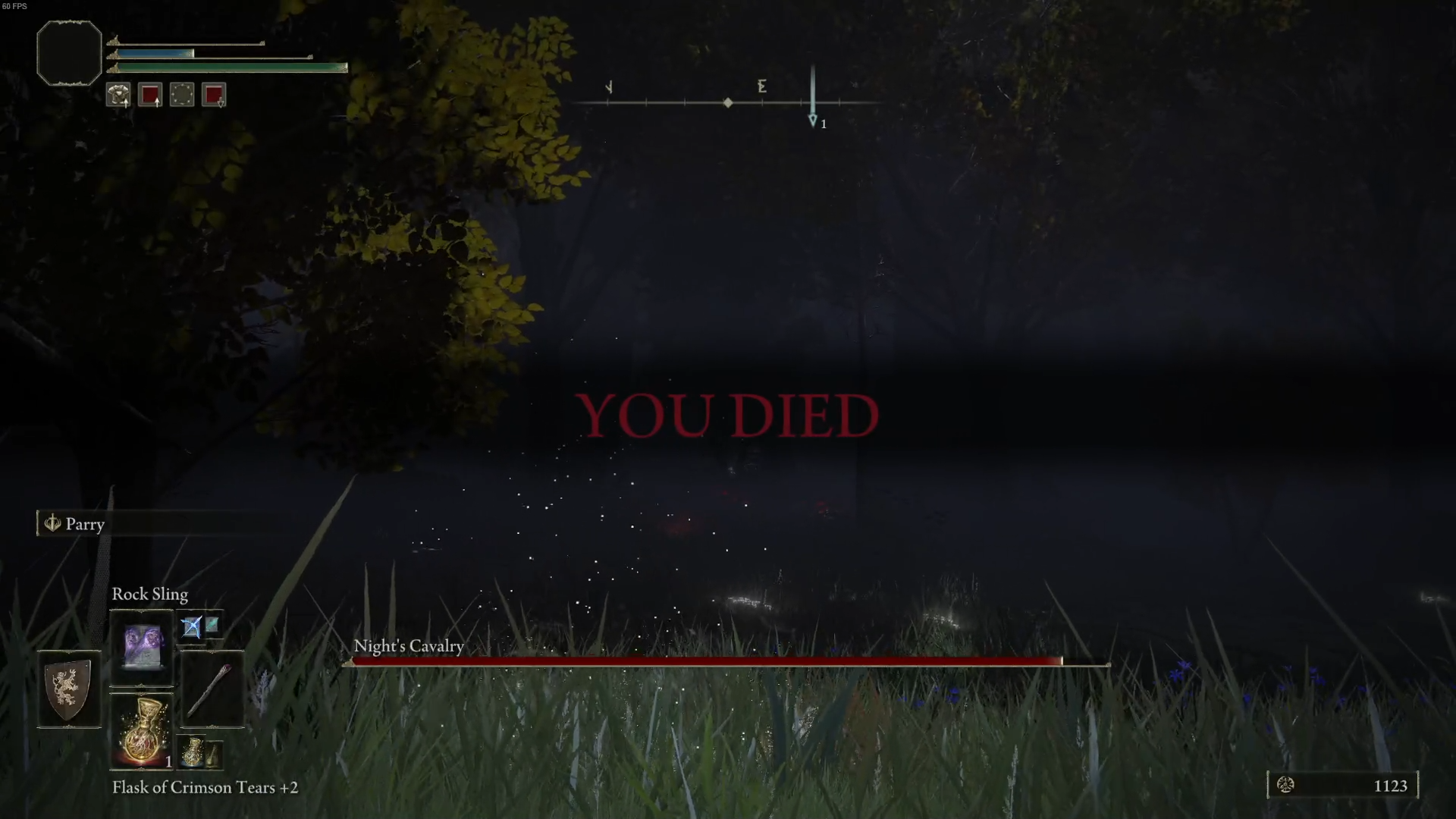
YOU DIED
| Property | Value |
|---|---|
| Crop X | 38.1% |
| Crop Y | 46.1% |
| Crop Width | 23.9% |
| Crop Height | 9.1% |
| Marker color | #64101c |
What Hitscan sees
If the input image on the left matches the text prompt on the right, a clip will be created.
Input image
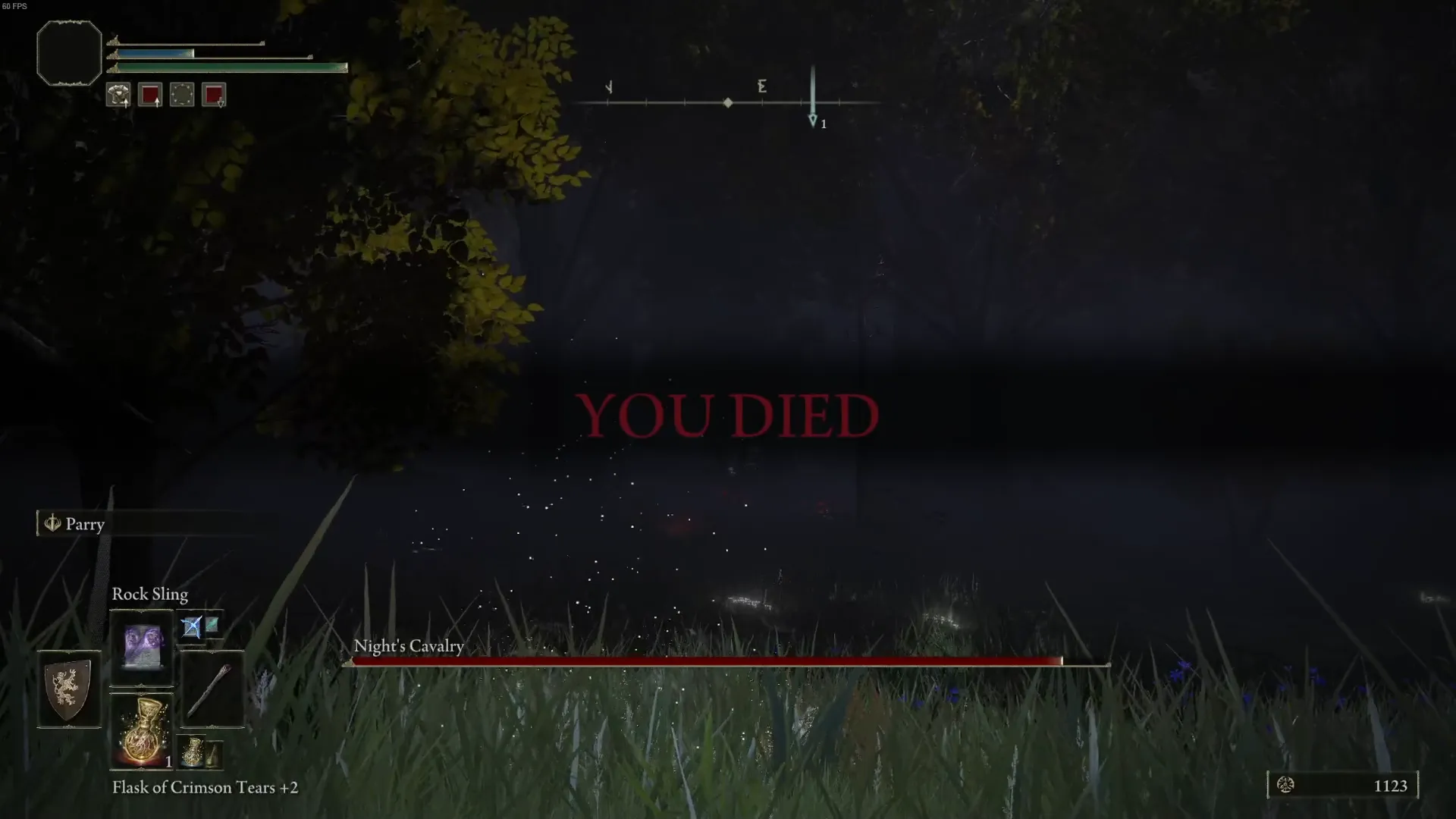
Match criteria prompt
It says YOU DIED in all caps red letters
Autoclip trigger
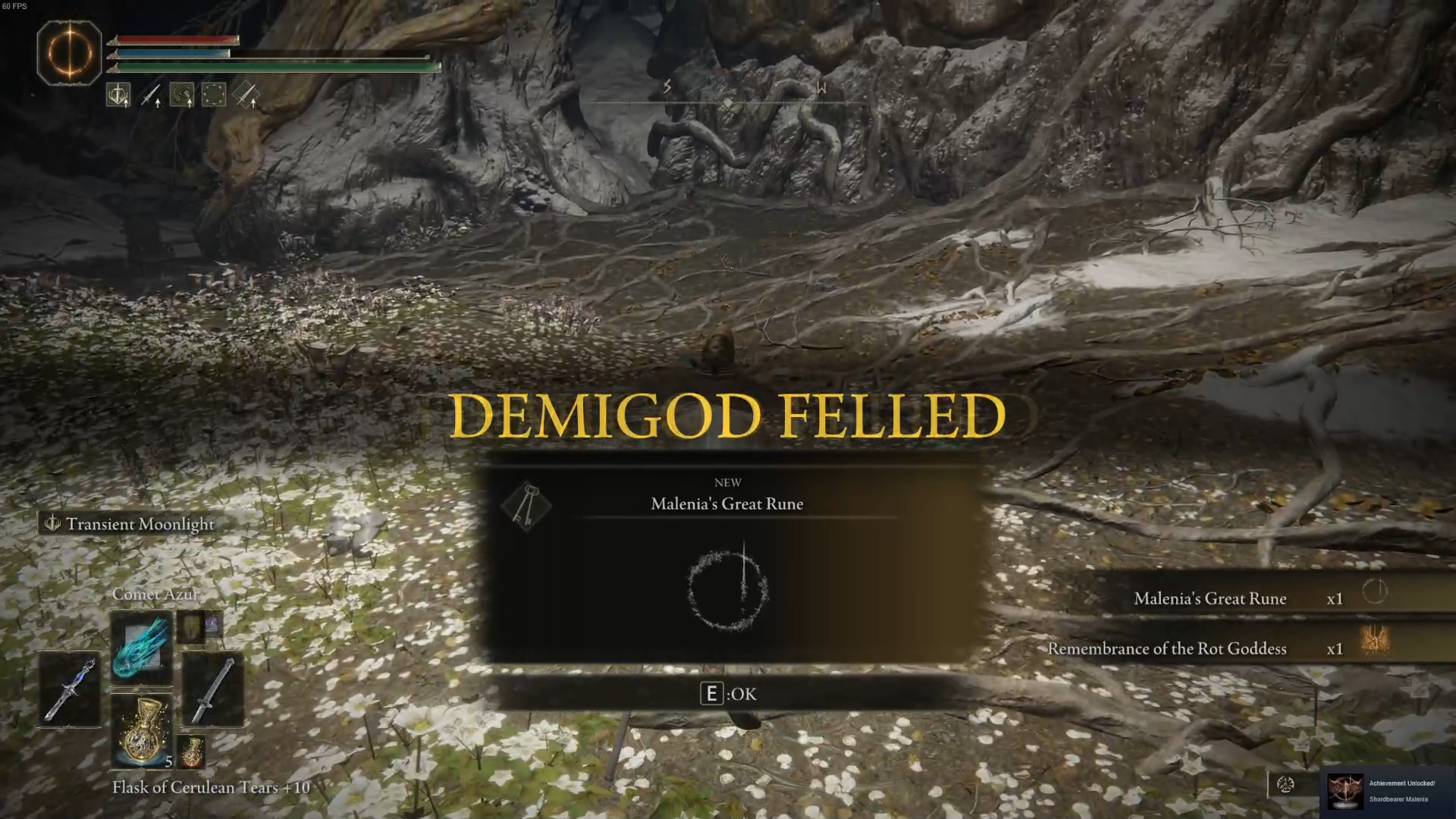
DEMIGOD FELLED
| Property | Value |
|---|---|
| Crop X | 28.6% |
| Crop Y | 44.7% |
| Crop Width | 43.6% |
| Crop Height | 11% |
| Marker color | #fdcf42 |
What Hitscan sees
If the input image on the left matches the text prompt on the right, a clip will be created.
Input image
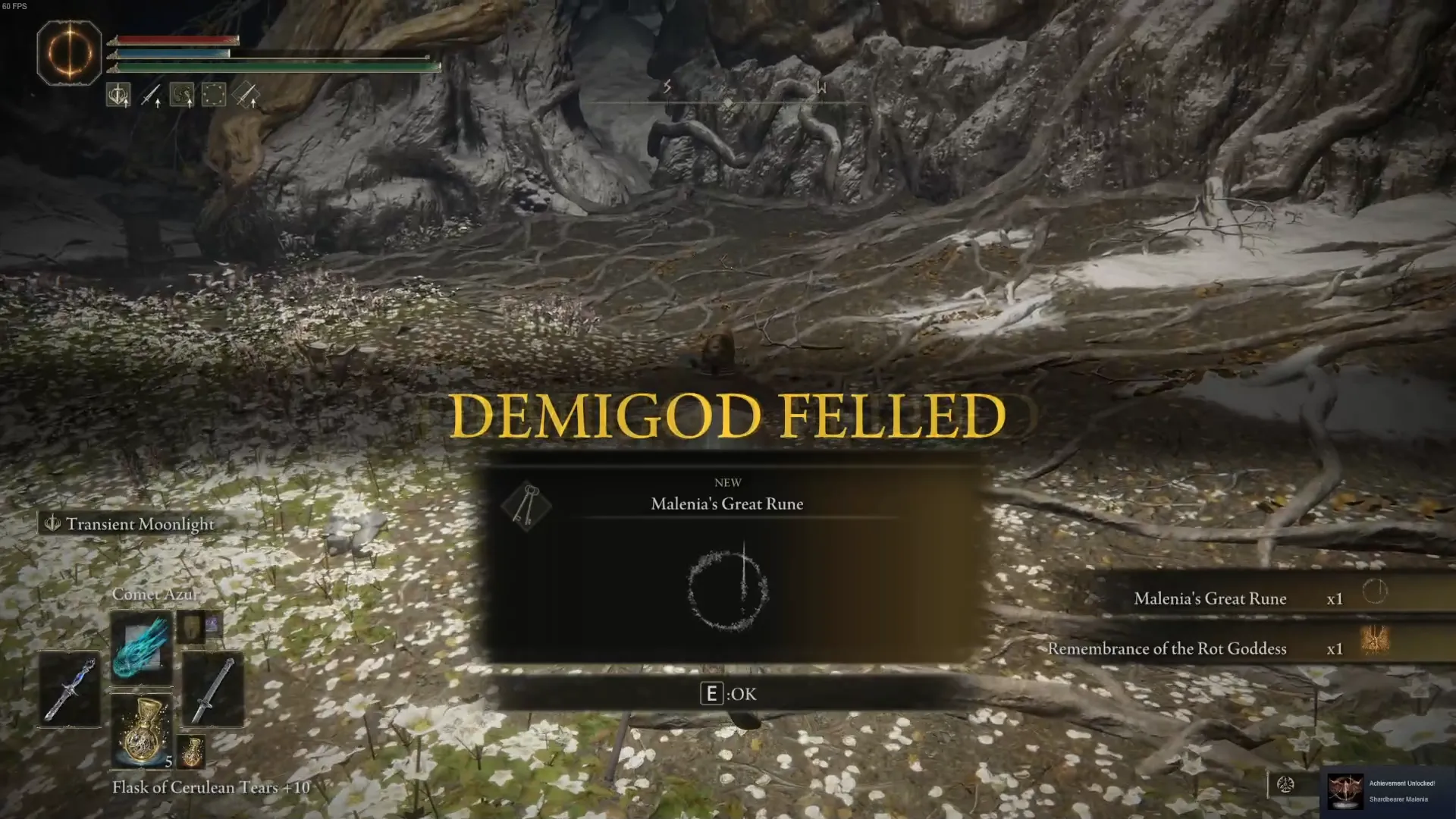
Match criteria prompt
It says "DEMIGOD FELLED" in all caps, yellow or gold letters, filling the whole image, indicating that the player has defeated a boss.
Autoclip trigger
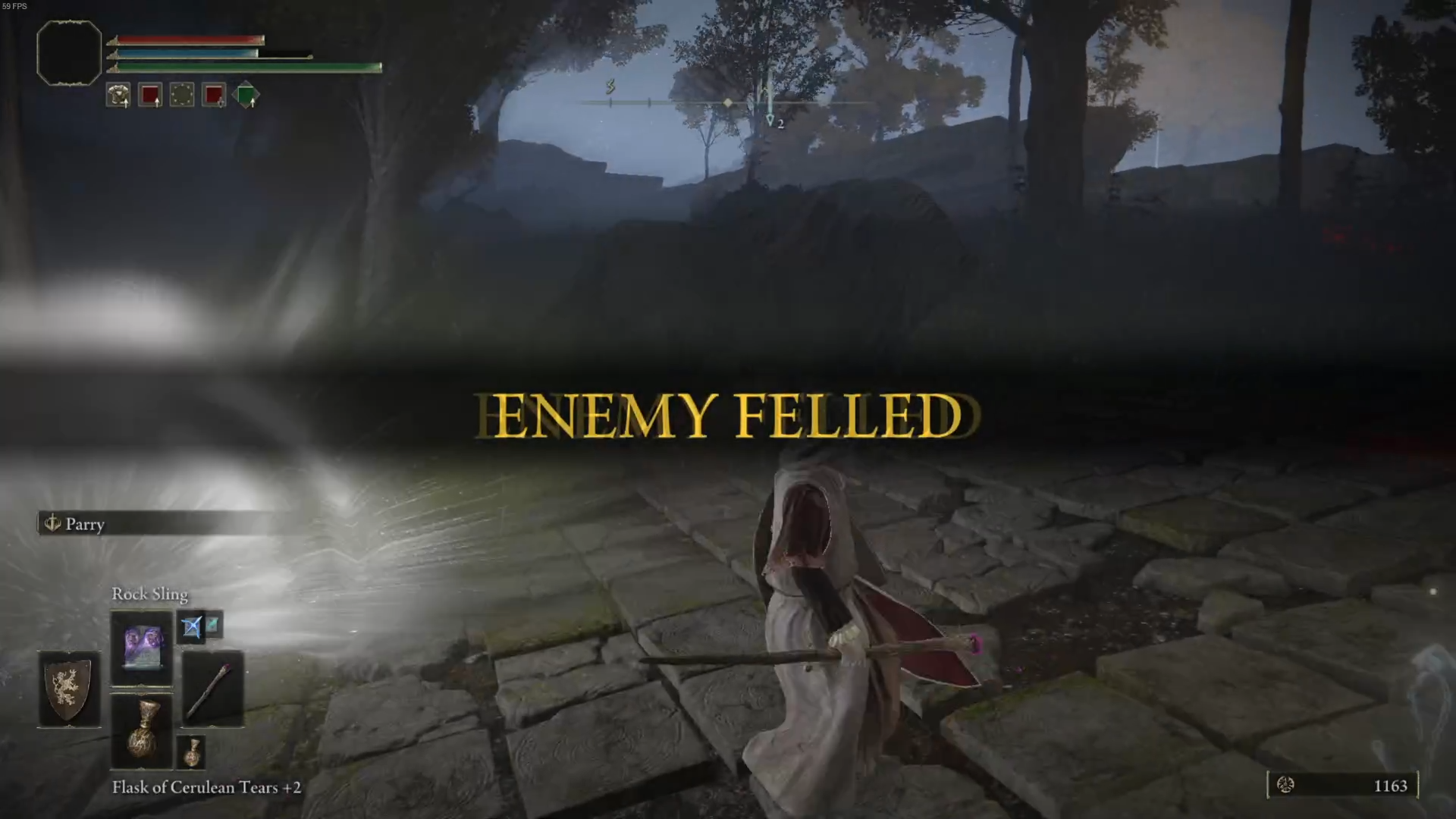
ENEMY FELLED
| Property | Value |
|---|---|
| Crop X | 19.4% |
| Crop Y | 43.6% |
| Crop Width | 61.1% |
| Crop Height | 13.2% |
| Marker color | #d3af46 |
What Hitscan sees
If the input image on the left matches the text prompt on the right, a clip will be created.
Input image
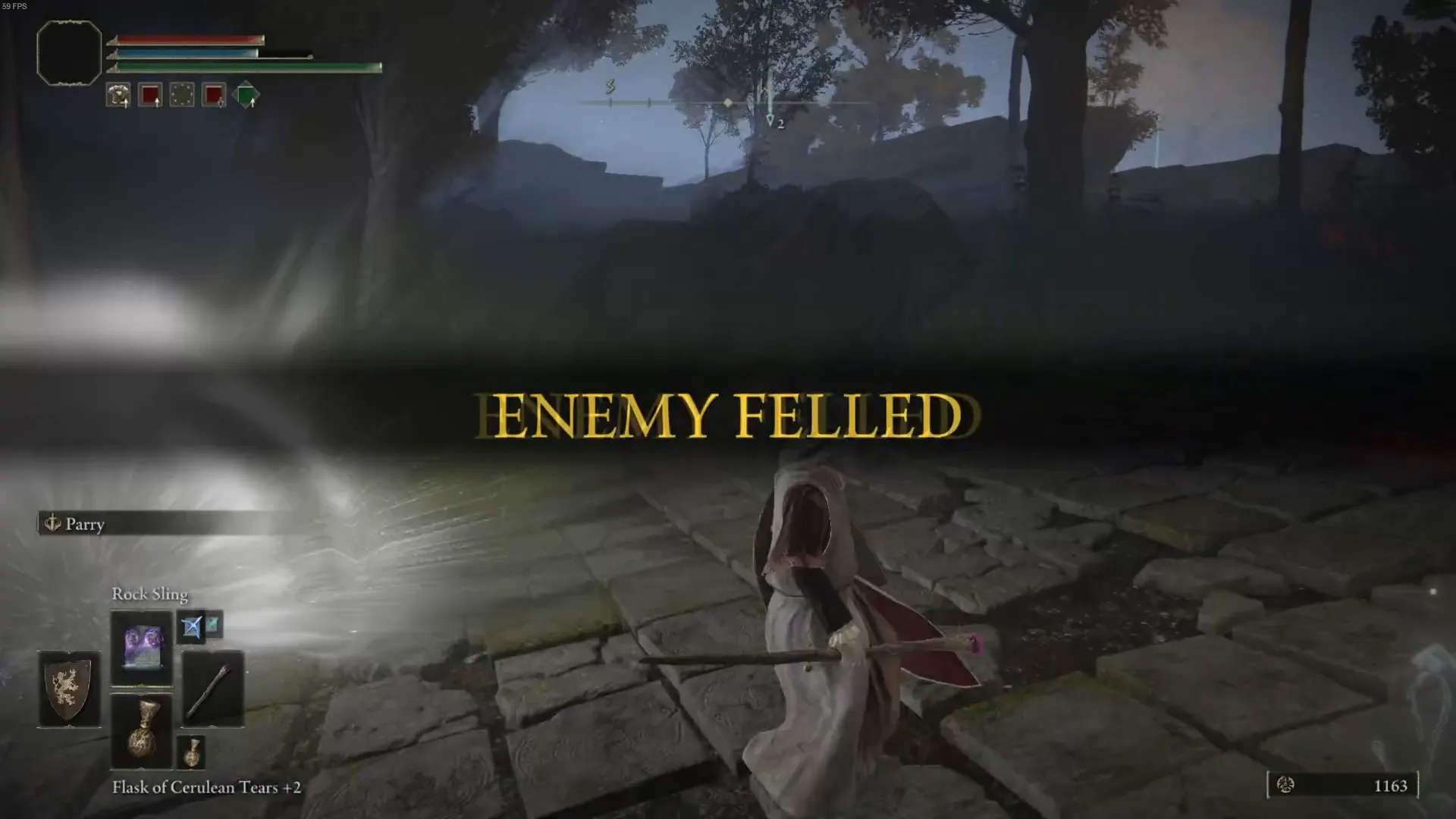
Match criteria prompt
It says "ENEMY FELLED" in all caps, gold or yellow font.